

You’re heading into London. Or maybe it’s a Saturday match at Old Trafford, a gig at the O2, or a Monday morning commute into Birmingham city centre. The last thing you want is to spend ten minutes circling the same block, watching the meter tick — or worse, coming back to a Penalty Charge Notice pinned to your windscreen.
That’s exactly why 14 million UK drivers have switched to JustPark. The app lets you find, compare, and book a guaranteed parking space in under 60 seconds — from your sofa, your car, or the pavement outside the venue. No coins. No stress. No surprises.
If you’ve never used it before, or you’re not getting the most out of it, this step-by-step guide covers everything you need to know — from downloading the app to extending your booking when plans change.
Step 1: Download the JustPark App (iPhone & Android)
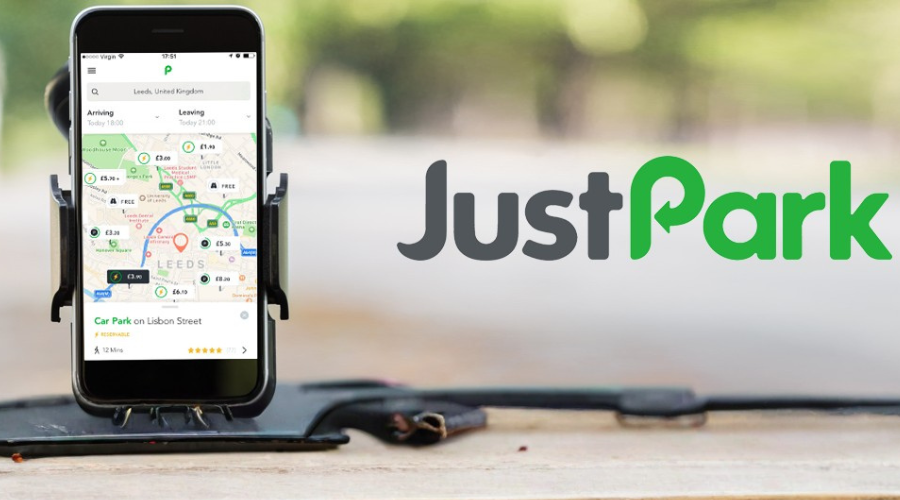
Getting started takes about two minutes. The JustPark app is free to download on both iOS and Android — and the account setup is just as fast.
On iPhone (iOS):
- Open the App Store and search for “JustPark Parking”.
- Tap “Get” to download — it’s free.
- Open the app and tap “Create Account”.
- Enter your email address and set a password, or continue with Google or Apple sign-in.
- Add your vehicle registration number. This is important — it’s how car parks, ANPR cameras, and private space owners verify your booking.
On Android
- Open the Google Play Store and search for “JustPark Parking”.
- Tap “Install” and wait for the download to complete.
- Open the app, create your account, and add your vehicle registration.
Step 2: Search for Parking Near You
Once you’re set up, finding a space is the quickest part. JustPark searches over one million parking spaces across the UK — including private driveways, commercial car parks, NCP car parks, and EV charging spaces.
- Tap the search bar and enter your destination — a postcode, a venue name, a city, or even a station. For example: “Wembley Stadium”, “EC1A 1BB”, or “Manchester Piccadilly”.
- Set your date and times. You can book from as little as 10 minutes to a full month.
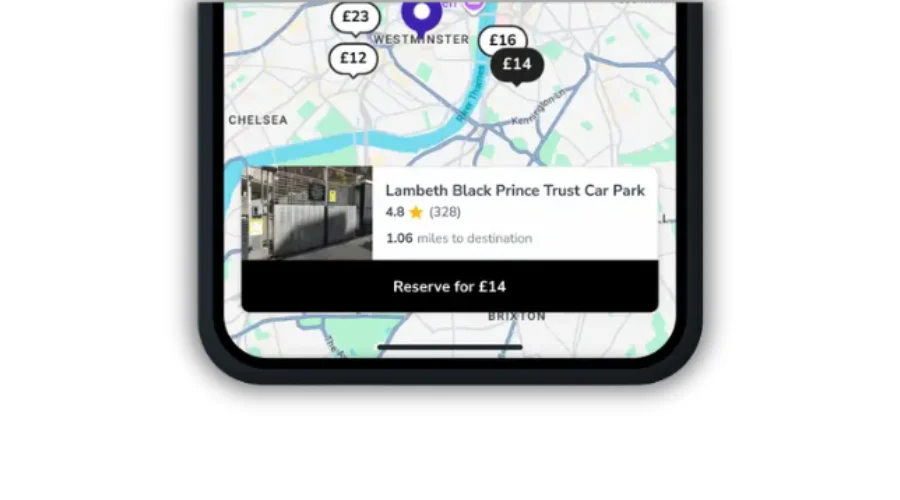
- Browse the map or list view. Each result shows the price, distance from your destination, and a rating based on real driver reviews.
Spaces are colour-coded and filterable by price, type (driveway, car park, on-street), height restrictions, and EV charging. You can see exactly what you’ll pay before you commit — no hidden charges at the barrier.
Step 3: Compare and Choose Your Space
Once you’re set up, finding a space is the quickest part. JustPark searches over one million parking spaces across the UK — including private driveways, commercial car parks, NCP car parks, and EV charging spaces.
- Tap the search bar and enter your destination — a postcode, a venue name, a city, or even a station. For example: “Wembley Stadium”, “EC1A 1BB”, or “Manchester Piccadilly”.
- Set your date and times. You can book from as little as 10 minutes to a full month.
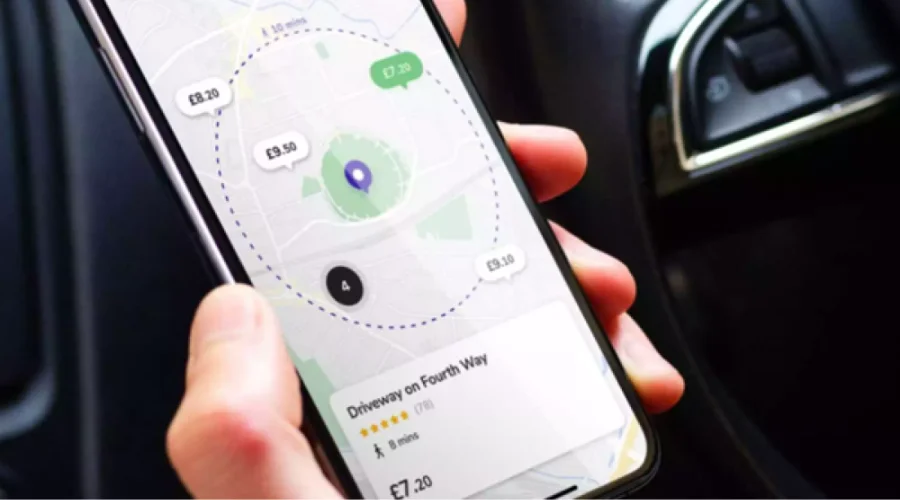
- Browse the map or list view. Each result shows the price, distance from your destination, and a rating based on real driver reviews.
- Spaces are colour-coded and filterable by price, type (driveway, car park, on-street), height restrictions, and EV charging. You can see exactly what you’ll pay before you commit — no hidden charges at the barrier.
Step 4: Book in Seconds — Here’s How
Once you’ve found the right space, booking takes literally seconds:
- Tap on the space to open the full listing.
- Check the access instructions, photos, and reviews.
- Tap the green “Book” button.
- Confirm your vehicle registration (pre-filled if you’ve added it).
- Pay securely using your saved card, Apple Pay, Google Pay, or your JustPark Wallet balance.
- Done. Your booking confirmation — including full directions and access instructions — lands in your app and email instantly.
No printing. No display ticket required in most cases. For car parks with ANPR cameras, your registration plate is your ticket. For private driveways, you’ll have the access code or instructions right in your app.
Step 5: Navigate Directly to Your Space
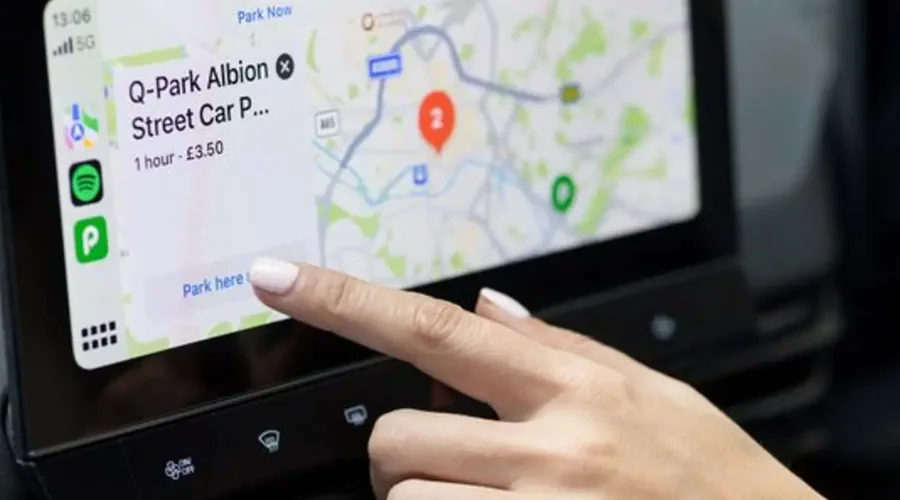
Once booked, the JustPark app gives you turn-by-turn directions straight to your space — not just the general area, but the actual entrance or driveway. Tap “Get Directions” in your booking and it opens in Google Maps, Apple Maps, or Waze, whichever you prefer.
You can also use Siri or Google Assistant to find and book parking hands-free: just say “Hey Siri, find parking on JustPark” or “Hey Google, find parking using JustPark” and the app handles the search, booking, and navigation while you keep your eyes on the road.
If you drive an Apple CarPlay or Android Auto-compatible car, JustPark integrates directly with your dashboard screen — a genuinely useful feature for navigating in unfamiliar cities like Bristol, Edinburgh, or Leeds city centre.
How to Extend Your Parking Booking If You’re Running Late
This is one of JustPark’s most valuable features — and one of the main reasons drivers stick with it. Running late for a meeting? Match gone to extra time? Concert encore still going? Here’s how to extend your parking session from wherever you are:
- Open the JustPark app and go to “My Bookings”.
- Select your active booking.
- Tap “Extend Booking” (this option appears if the space allows extensions and extra time is available).
- Choose how much extra time you need.
- Confirm and pay — your session updates instantly.
A few important points about extensions:
- You can extend a booking while you’re parked, but not after the booking has ended
- Extensions are subject to space availability — some locations have maximum stay limits
- If extension isn’t available and you need more time, make a new booking immediately to avoid a fine
- Your JustPark Wallet balance is applied first, making rebooking even faster
Time-Saving Features You Should Use Every Time
Beyond the basic booking flow, JustPark is packed with features that make repeat use genuinely fast and effortless.
- Saved Favourite Spaces
Found a great driveway near your office in Manchester or a convenient space near your regular London train station? Save it as a favourite. Next time you need it, it’s one tap to rebook — no searching required.
- Rebook Past Spaces Instantly
Your booking history is stored in the app. Returning to a venue or city you’ve parked in before? Just pull up your past bookings and rebook the same space in seconds, with all the details pre-filled.
- Parking Reminders
Set a reminder for when your parking is about to expire. Useful for lunch breaks in city centres like Leeds or Glasgow, where you might lose track of time.
- Monthly Passes for Commuters
If you commute to work by car, JustPark’s monthly parking plans let you reserve the same space every day — with options for 3-day, 5-day, or 7-day weekly plans. Perfect for hybrid workers who don’t need a space every day. Book it once, manage it from the app, and never think about parking again.
- JustCharge: EV Charging + Parking in One Booking
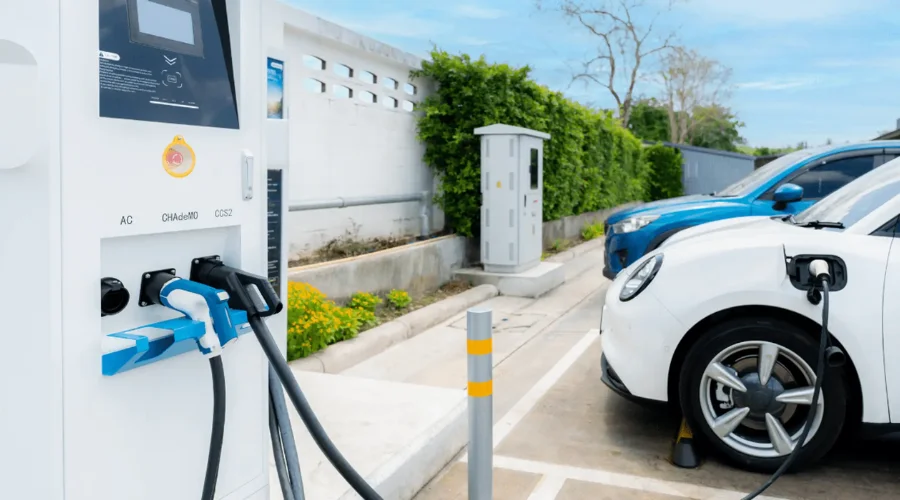
If you drive an electric vehicle, the JustCharge network lets you book a private EV charging space alongside your parking — combining two tasks into one. Particularly useful when public charge points are unreliable or out of service.
What to Do If There’s a Problem on Arrival
In the rare event that something isn’t right when you arrive at your space — it’s already occupied, access isn’t working, or instructions are unclear — here’s what to do:
- Check your booking confirmation in the app first. All access instructions, gate codes, and directions are listed there.
- Contact the Space Owner directly via the in-app messaging feature. Their contact details are in your booking.
- If you can’t reach them or the issue isn’t resolved, contact JustPark’s customer support team via the Help Centre at support-uk.justpark.com or through the app. For urgent issues, phone support is available.
- If the space is genuinely unavailable and you had to park elsewhere, document it (take a photo) and request a refund through the app. JustPark has a clear refund process for cases where a booked space is not accessible.
Conclusion
JustPark is free to download and takes under two minutes to set up. Over 14 million UK drivers are already using it to book parking near the UK’s biggest cities, stations, airports, and event venues — and saving up to 70% on car park prices in the process. Whether you’re commuting into Leeds every Monday, heading to a match at Wembley, or flying from Heathrow next weekend — book your space in under 60 seconds and arrive knowing exactly where you’re parking. For more Information, visit Feedhour.